How it works
Select your dishes, confirm your order before the deadline, and track your delivery in your account. Simple, transparent, and hassle-free.
 Select the dishes
 Until 11:00
 Get your lunch

Step 1. Open the Menu
Your personal account provides access to the menu for the current and next week. You can plan your meals several days in advance.
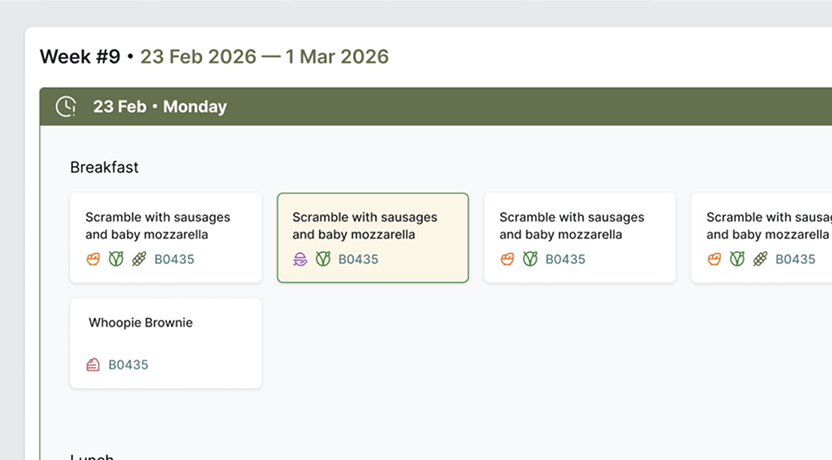
Step 2. Select the dishes
Breakfast and lunch options are available each day. Soup or salad and dessert may also be available. Each dish is accompanied by icons that help you quickly identify its type.
 Basic dish
 Soup or Salad
 Dessert
 Vegetarian dish
 Lenten dish
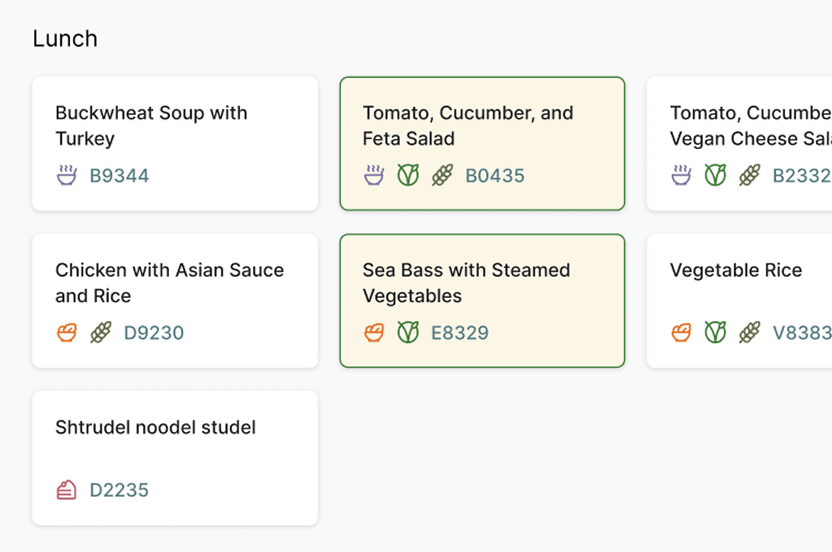
Step 3. Keep the deadline in mind
Your selection for the next day must be completed by 11:00 a.m. today. After the deadline, your order for that date cannot be changed. The system sends reminders in advance.
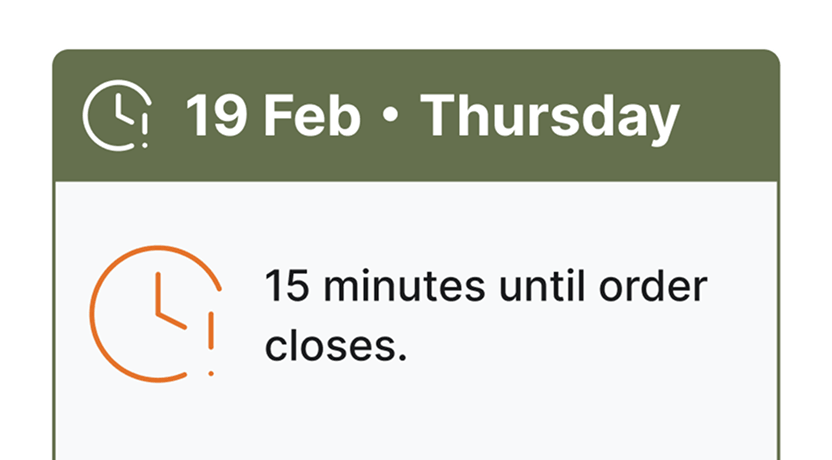
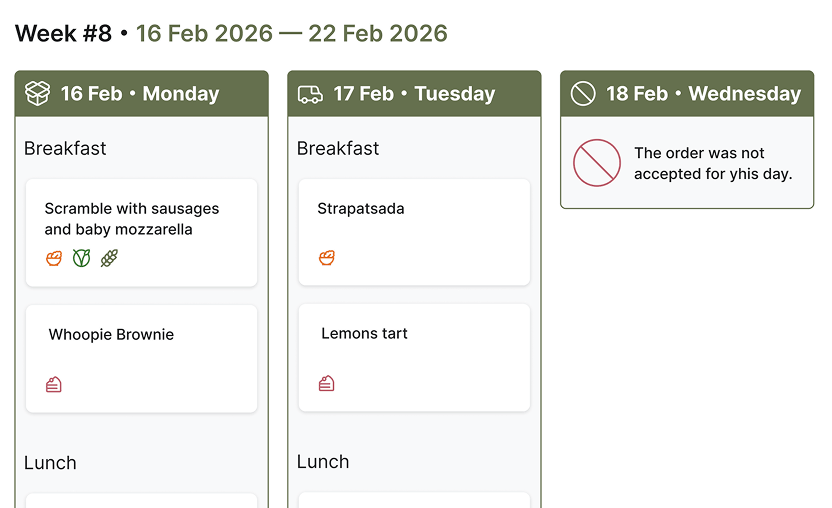
Step 4. Check your order status
The calendar displays the status of each day. This helps you manage your meals and avoid skipping meals.
 Wait for order
 Order confirmed
 Empty day
 Received
 Order today
Contact your office administrator if necessary.
Your office administrator can make changes to your order before the deadline.
After the deadline, editing is not possible.
Receive your order.
On the day of delivery, your order will appear as active.
Once received, the status will change to "delivered."
Recommended
Plan your weekly menu immediately after publishing a new list of dishes.
This reduces the risk of missing an order and saves time.